
Compare
Trackovo is not the only construction app competing for the Indian market. This comparison hub helps builders, contractors, and interior firms think through what actually matters when evaluating construction management software, and how Trackovo lines up against the alternatives you have probably already shortlisted.
What to actually compare between construction apps
Most software comparison lists focus on feature checkboxes — and feature checkboxes lie. A platform can claim "attendance tracking" and still be useless if it fails on a weak site network, or asks the worker to login through a desktop web form. When comparing Trackovo with alternatives, the real questions are: does the app work when your site has no signal, how many taps does it take a contractor with a low-end Android phone to punch in 40 workers, who signs off on material requests and how is that approval trail preserved, and is the labour account visible to both contractor and PM in the same numbers. These are the questions that decide whether software survives past month two on a real site.
Where Trackovo is built different
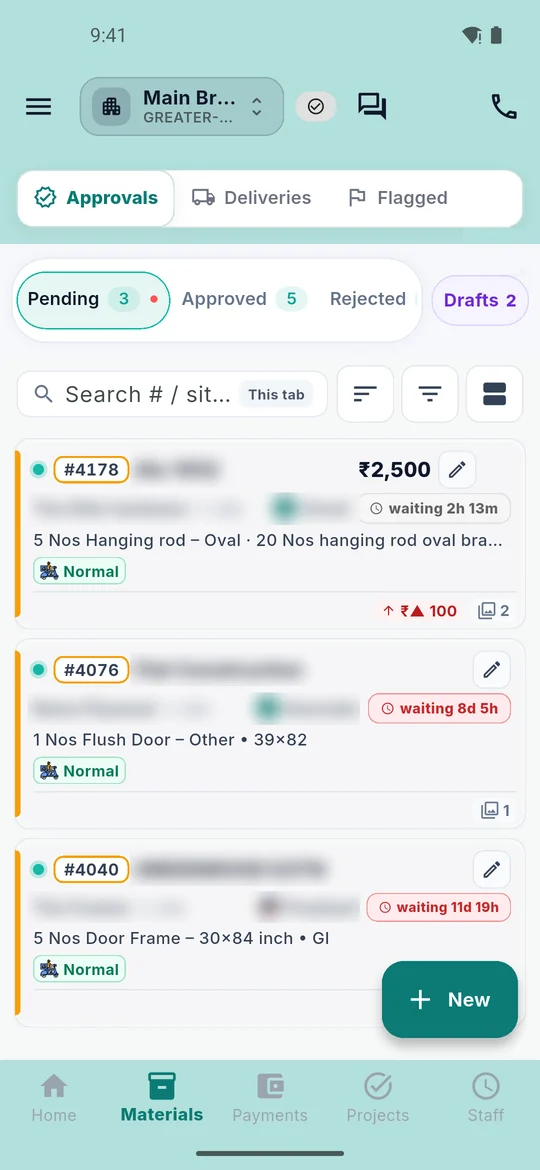
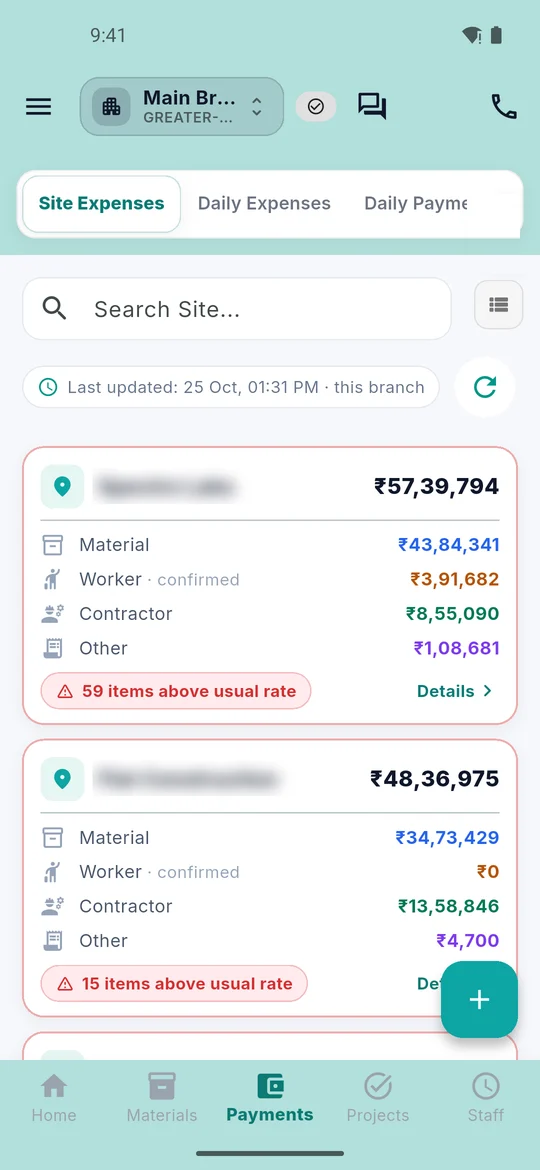
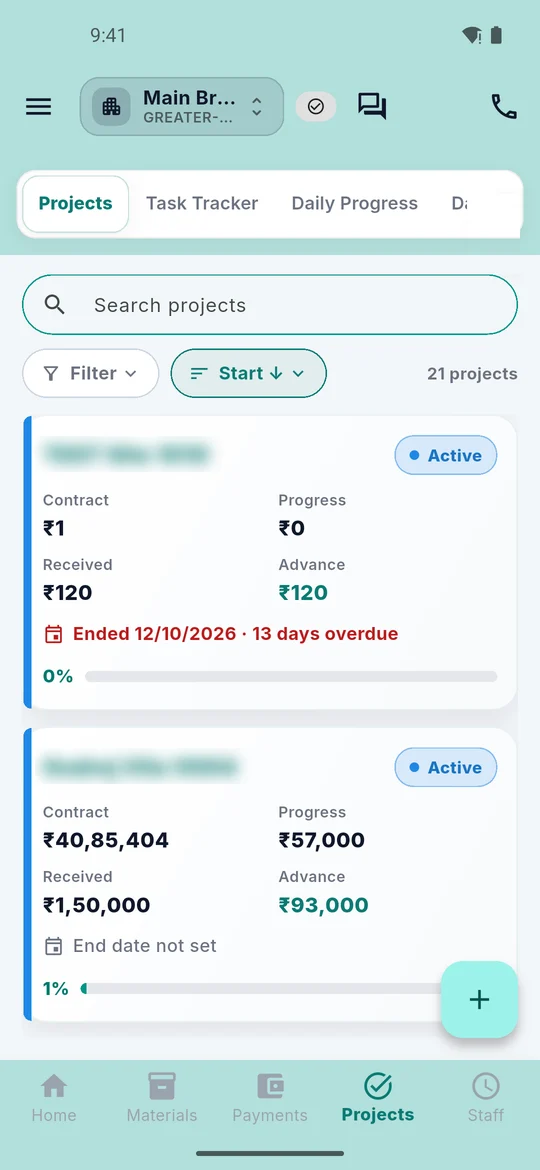
Trackovo was designed for Indian construction sites. Every module — Attendance, Material Management, Accounts, Measurement Book, Daily Planning, Leave Management, Machines & Tools, Vendor Management, Contractor Management — is included in every plan. The approval workflows are role-specific: Labour, Contractor, Rider, Staff, Site Engineer, Project Manager, Purchase Manager, and Admin each see a filtered interface. The GPS Live Tracking screen gives owners one map with real-time punch markers, filtered by All/Staff/Labour/Rider, and a View Trail button for each worker.
Who does what in a Trackovo-enabled site
A typical 20-labour residential site runs like this: labour or the contractor punches attendance through GPS or the No-GPS fallback; the site engineer captures material deliveries with photo proof; the purchase manager approves or rejects requests from the Approvals tab; the project manager reviews daily plans with labour and contractor chips, reviews MB entries with shared dimensions, and signs off on the contractor ledger; the admin gets dashboard widgets for every site with billing, active users, and category-wise expense breakdowns. Vendors log in through a separate portal for registration and material delivery updates. Every action is time-stamped and role-logged, so disputes get resolved with evidence.
Test it on your own site's network
Network on Indian sites is often weak, in basements and in rural blocks. Whichever app you shortlist, Trackovo included, test it during the trial from the place where your supervisor actually stands: mark attendance, raise a material request and record a payment, and see what happens before you decide.
Data ownership and export
One concern worth raising when comparing construction apps: who owns your data and how quickly can you get it out. Trackovo treats your operational data as yours. Attendance, material, accounts, and MB records are exportable at any time from the Admin dashboard, in CSV and PDF formats. Monthly rollups go to your accountant automatically if you enable the scheduled export. If you ever decide to leave Trackovo, your full history is available as a zip archive within 24 hours of the request, with no hidden fees for data export. Many competitors make this step deliberately painful to discourage churn; we think locked-in data is a sign of weak software, not strong retention, and our pricing page makes this position explicit.
Frequently Asked Questions
Which other construction apps does Trackovo compete with in India?
The three most common alternatives we hear about are Powerplay, RDash, and Onsite Teams. We publish honest side-by-side comparisons for each, written from the perspective of what actually matters on a working site rather than marketing bullet points. Read them here: Trackovo vs Powerplay, Trackovo vs RDash and Trackovo vs Onsite.
How is Trackovo priced against these competitors?
Trackovo starts at ₹1,799 (Starter plan, 70% launch offer) per month for the base plan. Pricing models differ: RDash and Onsite list per-user prices on their own sites, and Powerplay does not publish prices on its site. We keep pricing public on the Plans page, every module is in every plan, and labour and contractors log in free.
Can I try Trackovo before deciding?
Yes. The 14-day free trial gives you full access to every module with no card required. Most teams make the switch decision within the first week, typically after running one payroll cycle through the Accounts tab.
How does Trackovo handle data security?
All data is stored in encrypted cloud databases with role-based access enforced on both the client and the server. We do not share or sell customer data to third parties. Every admin action is logged with a timestamp and user ID, creating a full audit trail you can review at any time from the dashboard.
Not sure which app fits your site? Start your 14-day free trial and compare Trackovo against whatever you are using today.
Built for the phone in your site engineer’s pocket
Everything your sites need
Run every site from one app
Material, labour, payments, vendors and reports — try all of it free for 14 days. Then 70% off any plan till 31 March 2027.