
Interior Project Management in India: How Interior Firms Track Sites, Material and Payments
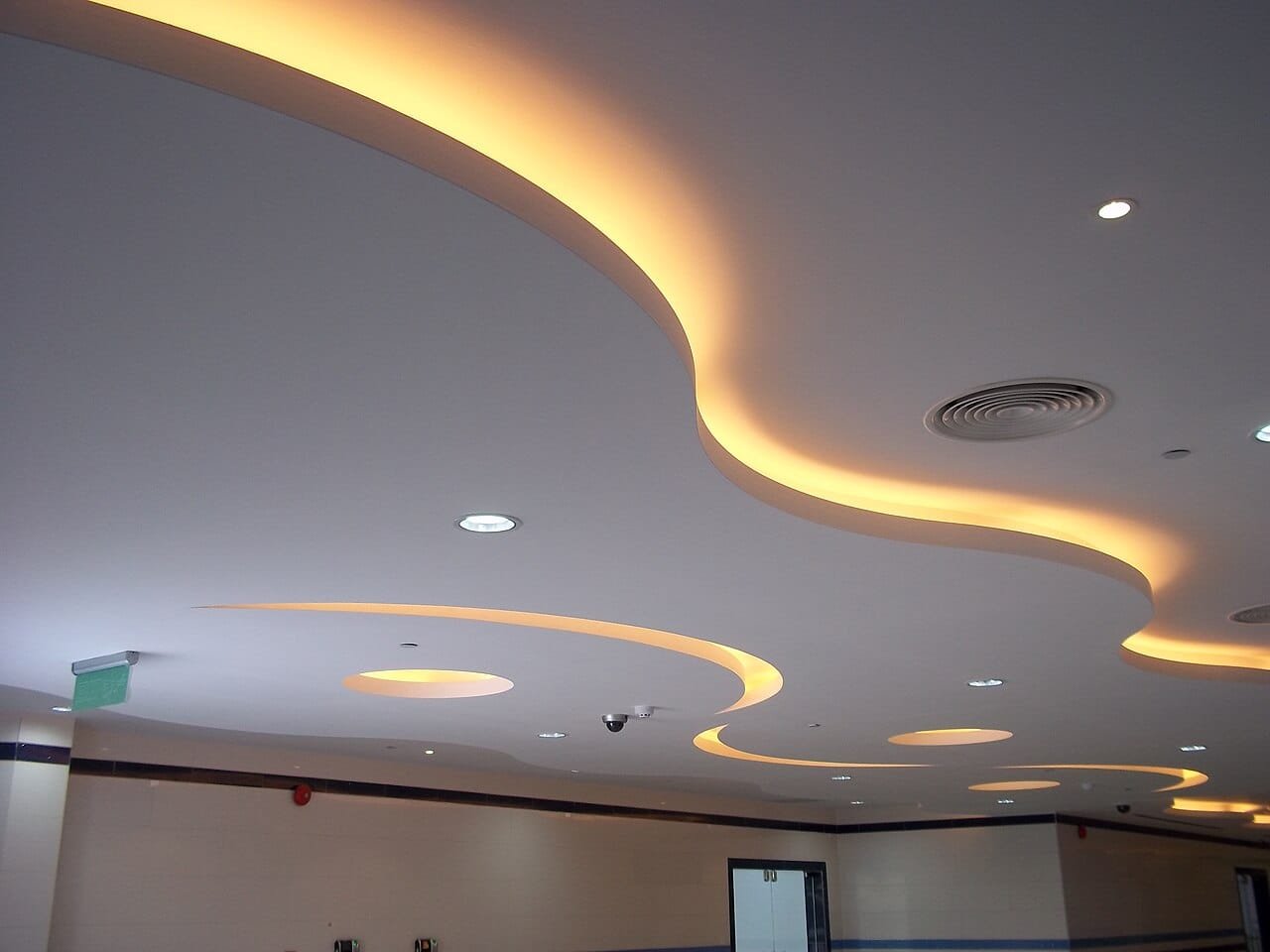
Interior projects look small from outside. A 3BHK fit-out, a clinic, an office floor. But anyone who runs an interior firm in India knows how many moving parts sit inside one job: carpenters, POP and false ceiling teams, electricians, painters, tile and stone fitters, plumbing, modular kitchen and wardrobe vendors, glass, hardware, and a client who visits every Sunday with new ideas. Margins are thinner than in civil work, and a few untracked sheets of plywood or a forgotten change request can wipe out the profit on a project.
This guide explains how interior designers and interior contractors can manage projects with more control: what to track, how to handle client changes, how to keep material and payments clean, and what to look for in interior project management software. Most of it works on paper or Excel too. Where an app helps, we say so.
Why interior projects are harder to control than they look
Interior work has a few features that make it different from structure work:
- Many small trades, one after another. False ceiling waits for electrical conduits, painting waits for ceiling, carpentry finishing waits for paint, and so on. One late team delays everyone behind it.
- Lots of material types in small quantities. Plywood, MDF, HDHMR, laminates, veneer, edge band, hinges, channels, gypsum boards, adhesives, paints. Each is small on its own, but together they are a big share of the project cost.
- Frequent client changes. A different laminate, an extra loft, a changed TV unit. Each change affects material, labour and the final bill.
- Work in occupied or near-finished spaces. Housing society rules, limited working hours and lift booking make labour planning tighter.
- Multiple small sites at once. A typical interior firm runs several flats or offices in parallel, each with its own supervisor or carpenter in charge.
Because of this, interior firms often lose money not through one big mistake but through many small leaks: an extra sheet here, a day of idle carpenters there, a change that was done but never billed.

Start with a clear BOQ and a payment schedule
Every interior project should start with a written bill of quantities, even if it is simple: item, specification, quantity, unit, rate and amount. For a residential fit-out this might list wardrobes by running feet or square feet, false ceiling by square feet, electrical points by number, and so on. Our BOQ in Excel guide shows a format that works for interior jobs as well as civil.
Link the client payment schedule to clear stages, not to dates alone. For example: advance on signing, a payment after civil and electrical changes, after false ceiling and carpentry carcass, after shutters and finishing, and the balance on handover. When stages are clear, it is easy to raise the next bill the day a stage is complete.
Handle client changes in writing
Stop juggling WhatsApp groups, Excel sheets, and paper registers
Trackovo runs every part of your construction site in one app — materials, attendance, finance, vendor payments. 14-day free trial. No card needed.
Start your free trial →Change requests are where interior margins usually disappear. The client asks for a small change on site, the carpenter does it, and nobody records the extra material and labour. At the end, the client remembers the original quote and you remember the extra work. The fix is simple but needs discipline:
- Every change is written down the same day, with a short description and a photo or sketch.
- The change is priced, even roughly, before work starts.
- The client confirms on WhatsApp or email. A thumbs-up on a written message is better than nothing.
- The change is added to the BOQ as a separate line, so it appears in the next bill.
Keep these change records in one place per project, not scattered across chats. An issue log with photos, which most construction apps have, works well for this.
Track material per site, not per company
Interior firms often buy plywood, laminates and hardware in bulk and send them to sites as needed. That is good for rates, but it makes it easy to lose track of where material went. A simple system:
- Record every delivery to a site with the challan and a photo, the same day.
- Record every transfer from your godown or from one site to another as an issue and a receipt.
- Keep a running stock per site for the main items: plywood and boards by thickness, laminates, gypsum boards, paint, and expensive hardware.
- At carcass stage and at handover, compare material used against what the design should have needed.
Our material stock register format and material indent format can be used for interior sites with only small changes to the item list. If you suspect material is going missing, the checks in how to stop material theft on construction sites apply to interior work too.
Plan labour by trade and sequence
For interior work, labour planning is mostly about sequence. Make a simple stage plan for each project: civil changes, electrical and plumbing, false ceiling, carpentry carcass, painting, shutters and finishing, final electrical fittings, cleaning and handover. For each stage note which team is needed and for how many days.
Then keep daily attendance by trade on every site: carpenters, helpers, POP workers, painters, electricians. This shows you quickly when a site has too many people waiting for a previous stage, or when a contractor’s gang is smaller than agreed. The labour attendance sheet format is a good place to start, and our guide on choosing a hajiri app for construction labour explains what to look for in a digital version.
Daily updates the client actually reads
Interior clients want to see progress, especially when they are not living nearby. Instead of sending random photos on WhatsApp, ask the site supervisor to send one short daily update: work done today, which team was on site, any material received, any problem or decision needed, and three or four photos. Over a project this becomes a clean record that protects you if there is a dispute about delays or quality. Our article on what a DPR app should do covers this in more detail.
Keep money clean: vendor bills, petty cash and labour
An interior firm pays many small vendors: hardware shops, laminate dealers, glass suppliers, transporters, plus petty cash on sites for tea, auto fare, small purchases and loading. Tag every payment to a project at the time it is made, with a bill photo. Match each vendor bill to the deliveries it covers before paying. Pay labour against recorded attendance, not memory. Done consistently, this lets you see real profit per project before handover instead of after.
What to look for in interior project management software
If you are comparing apps, check that they cover the everyday work of an interior site, not just drawings or design. Useful questions to ask in any demo:
- Can a site supervisor or head carpenter enter attendance, material and expenses from a phone in a few minutes?
- Does it handle multiple small sites at once, with a summary for the owner?
- Can every expense and vendor bill be tagged to a project, with GST?
- Can you record a daily progress report with photos?
- Does it track materials with challans and photos, per site?
- Can the accounts team export data for Tally or their CA?
- Is the pricing clear, and is there a free trial?
Design tools for drawings and 3D views are a separate category. Most interior firms use a design tool for the design stage and a site management app for execution. This guide is about the execution side.
How Trackovo fits an interior firm
Trackovo is a construction and interior site management app made in India for builders, contractors and interior designers. For interior projects, the relevant modules are:
- Material management with photo proof and GRN for every delivery, and stock per site.
- GPS and selfie attendance for carpenters, helpers and other trades, with wages flowing into payroll.
- Finance and accounts where vendor bills, petty cash and labour payments are tagged to each project, with GST and TDS built in, and data can be exported in Tally-compatible formats.
- Daily progress reports from the phone, with photos, manpower and materials.
- Vendor management from PO to GRN, bill and payment.
- BOQ tracking and project management with progress per activity.
- CRM for tracking enquiries before they become projects.
The app is in Hinglish and built mobile-first, so site staff can use it with little training. Plans start from ₹1,799 per month (70% launch offer) plus GST with every module included; see plans for details. You can start with a 14-day free trial without a card, or book a demo using one of your current interior projects. If you also do civil work, our page on construction management software in India explains how the same app covers both.
Common questions
Is construction management software useful for small interior firms?
Yes, if you run more than one or two sites at a time or if material and labour records are causing disputes. A small firm benefits most from same-day attendance, material and expense entries, because these are where interior margins leak. If you run a single project at a time and visit daily, a good Excel format may be enough.
How should an interior designer track client change requests?
Write every change down the same day with a photo or sketch, price it before work starts, get the client to confirm in writing, and add it as a separate line to the BOQ so it appears in the next bill. Keep all changes for a project in one place instead of in chat history.
What materials should an interior firm track per site?
At minimum, plywood and boards by thickness, laminates and veneers, gypsum and POP materials, paint, and expensive hardware such as hinges, channels and handles. These are the items that are most often over-ordered, moved between sites or lost.
Can the same app handle civil construction and interior projects?
Many firms do both, and the core site records are the same: attendance, material, expenses, daily progress and vendor bills. Trackovo is used for both construction and interior site management, so one workspace can hold both types of project.
Ready to stop the WhatsApp chaos? Try Trackovo free for 14 days.
Start free trial →